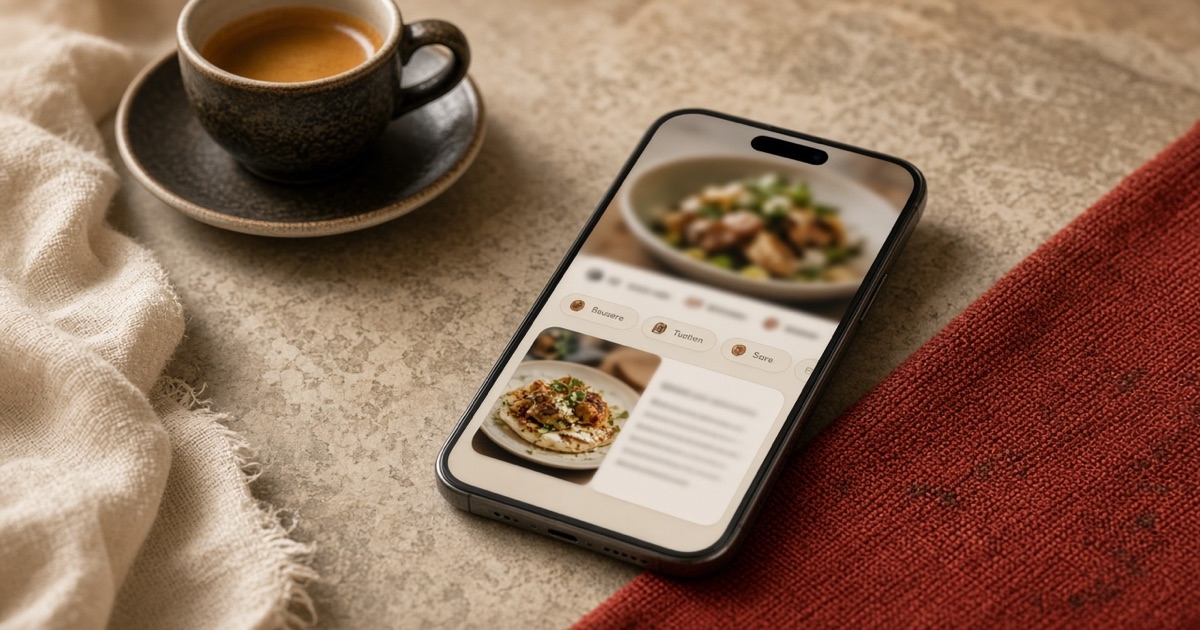
What to put on the first screen of the catalog so orders go up
Guests do not read the whole list. They read the first screen. What sits on top lands in the basket. The rest is browsed by luck.
A paper menu opened in the middle. A digital catalog opens at the top. The first screen is expensive shelf space. If you put “cold starters” there because of alphabetical order, you will sell starters — not what carries the margin.
Here is a practical first screen, without inventing 101 dishes.
1. Bestsellers up top, not at the end
People order what already looks wanted. If the best plate is buried as mains item seven, anyone in a hurry will miss it.
Better: a bestsellers or “our picks” row as soon as the page opens. The report says who deserves that slot, not only the chef’s taste.
2. One offer, not five
Five banners are five YouTube ads: skipped. One clear offer — dish plus price — reads in a second.
Better: this week’s offer on top. When it ends, take it down. A dead offer is worse than none.
3. A dish photo, not the shopfront
A first screen of the facade says “we exist.” A dish photo says “order this.” The difference shows in the basket.
Better: a real photo of the item you want to sell today. Not stock. Not the logo.
4. Few categories at the start
Twelve chips in the top bar and the guest gets lost. Four or five names can be seen without scrolling.
Better: what matters first: popular, offers, mains, drinks. The rest later. Order is a purchase path, not an archive.
5. Price visible without a tap
If they must open a card to see the price, some will close it. Curiosity is weaker than a busy table.
Better: name, price, and photo on the card. Detail inside for whoever wants it. Anyone in a hurry adds and checks out.
A one-night test
Move a high-margin item to the first screen for a day. Compare it with the day before. If it rose without a recipe change — the order of the list was the promotion.
menutables lets you drag categories and items, and switch offers in seconds. Start free and put the first screen to work for the till, not for the index.