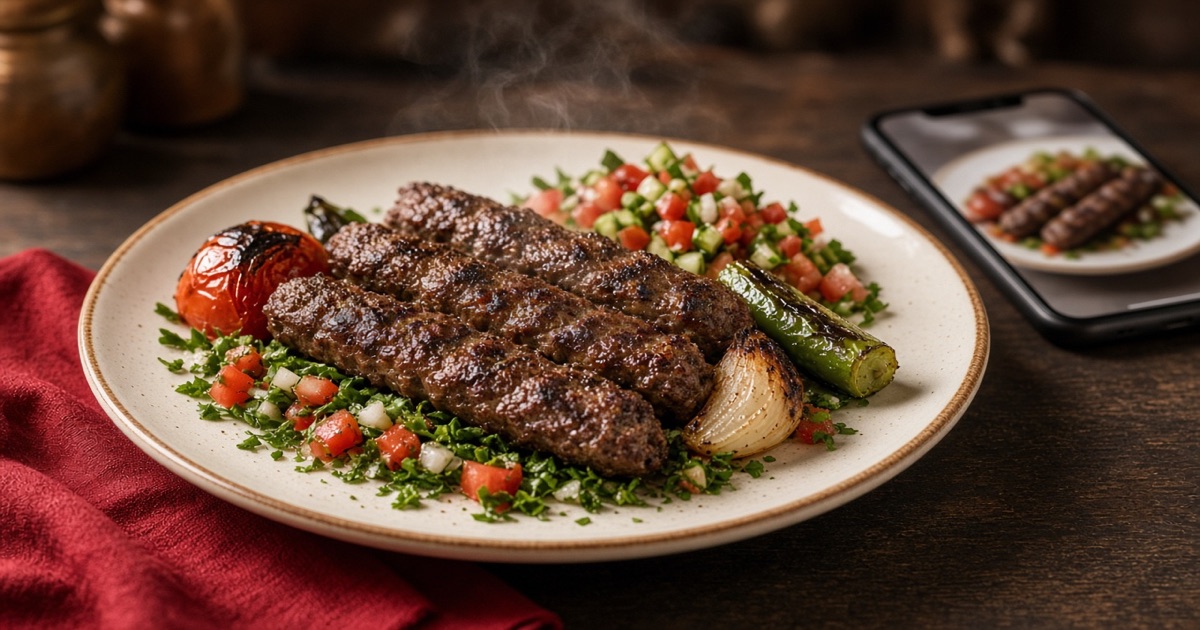
Dish photos that get ordered, not just looked at
A pretty picture of the wrong plate sells disappointment. A real, dull photo sells less. Both can be fixed without a weekly photographer.
People order what they can see. A card with no photo lets the last restaurant fill in the blank. A stock Italian pizza when you sell koshari breaks trust before the first bite.
You do not need a studio. You need honesty, light, and a file size that does not kill the load. These rules work with the shop phone.
1. The plate that leaves the kitchen
Raw ingredients, or an over-styled plate, make guests feel what arrived is not what they picked.
Better: shoot the dish as it is served. Same size, same dishware. If plating changes, change the photo the same week.
2. Daylight, not a wild flash
Front flash makes sauce look like plastic. A window, or the restaurant’s steady lights, looks truer.
Better: a table near light. Phone horizontal. Skip the filter that turns tomato orange.
3. One item in the frame
Five plates, the logo, and a cola reads as an ad, not a choice. Guests do not know what to tap.
Better: one plate, a quiet background. Name and price live on the card, not painted onto the photo.
4. A size that loads on data
A 12 MB hero on the first screen and the guest waits, then leaves. A light page sells more than a gallery.
Better: shrink the file before upload. Sharp enough for the card, not a poster print.
5. The wrong photo is worse than none
A sandwich shot last year, and the bread has changed. People compare with their eyes, then with a rating.
Better: delete photos for items you stopped. Update bestsellers first — those are seen a thousand times.
A ten-item test
Pick the ten most ordered items. Shoot them today. Swap the photos. After a week ask: did average ticket move? If not — the photo is not the only lever, but it stopped being the blocker.
On menutables you upload a dish photo and it updates on the code at once. Start free and let the first screen look like the food, not like a studio.