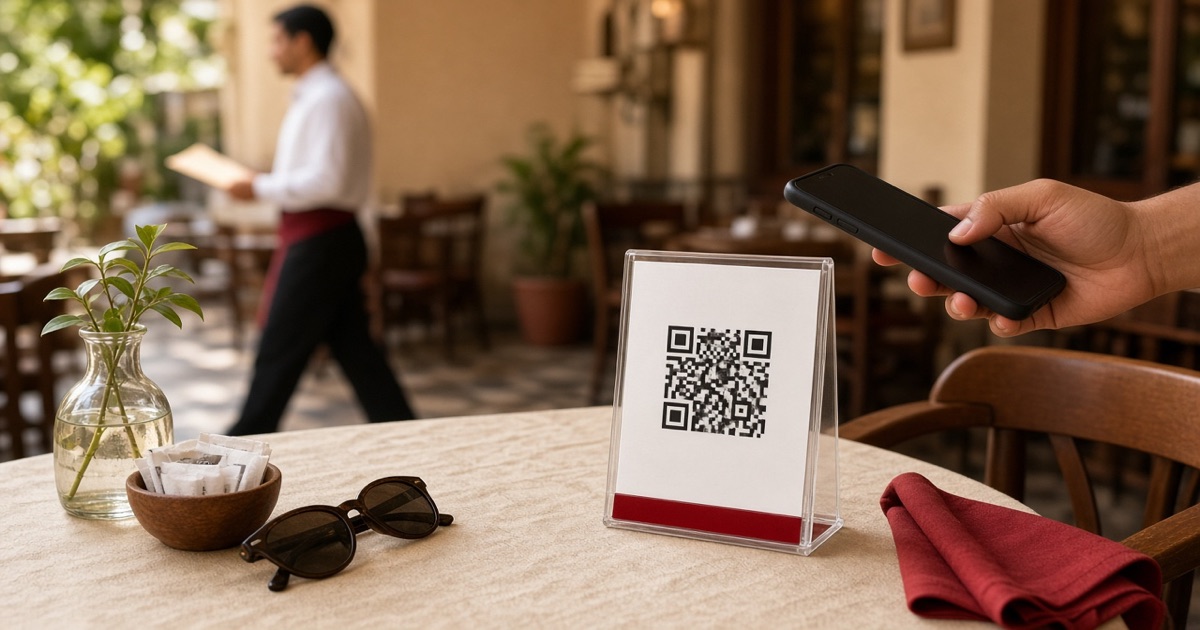
Table QR mistakes that send guests back to the waiter
The code is on the table, but people still wave for a menu. Here is why — and how to fix it without changing your team.
You put a QR code on the table and waited for orders to arrive on their own. Then you watched guests scan once, shrug, and call the waiter. The code is rarely the problem. The problem is that it does not look like the menu — it looks like decoration next to the salt.
This happens in restaurants and cafes across Egypt: the code is printed, the waiter still carries a paper list, and the guest picks the faster path. These six mistakes keep that habit alive. Fix them before you blame the guest or the team.
1. The code is small or hidden
A 5 cm sticker on the corner of the table, under a glass or behind the shakers, will not be noticed mid-conversation. A faded or peeling sticker is worse: nobody will try.
Better: a standing tent in front of every seat, not a sticker on the edge. It should be readable from a sitting position. If it has faded, reprint. A cheap code nobody sees is more expensive than a waiter standing at an empty table.
2. Nothing says what it does
"Scan me" in English, in a room that speaks Arabic. Or a black square with no words at all. Guests should not have to guess that this is the menu.
Better: one short Arabic line on the stand: “Scan, see the menu, and order from your phone.” If you serve visitors, put the English line underneath — not instead.
3. The link opens a stale list
Last year’s prices, items that ran out, blurry photos, or a heavy PDF. Guests close it in seconds and call the waiter, because that is faster and more accurate.
Better: what opens on the phone must match what you sell today. Change a price or mark an item unavailable from the dashboard the same day. That is the point of a digital catalog: one update, no reprint.
4. After the scan, they cannot order
Some codes open a photo or a file. Guests can browse, but they cannot send the order until a waiter walks by. Then the QR is wall art, not a sales channel.
Better: the scan opens a page they can order from — at the table, takeaway, or delivery. The ticket should land on the cashier board the moment they confirm, without anyone chasing paper.
5. Weak Wi‑Fi or a heavy page
If the code depends on the shop Wi‑Fi, and that network dies at peak hour, guests give up. Same if the page tries to install an app or loads images that choke mobile data.
Better: the page opens on the guest’s own data, stays light, and needs no download. Ten awkward seconds are enough to send people back to the waiter.
6. The team still hands out paper
If the waiter’s first move is to offer a printed menu, the message is clear: the code is decoration. A polite guest will not fight the habit the restaurant itself is teaching.
Better: first line: “The menu is on the code — I am here if you need help.” Take paper off the floor. Keep one copy at the cashier for emergencies only.
A test before you trust the code
Sit at a table as a guest. Scan. If you cannot place an order in under a minute without asking anyone — something needs fixing, and it is not the guest.
If you want the catalog built with you, a table stand printed for the QR, and orders arriving on the cashier board the moment they confirm — start free on menutables, or message us and we will set the list up with you in about a day.